Craft Effective Transactional Emails for Engagement
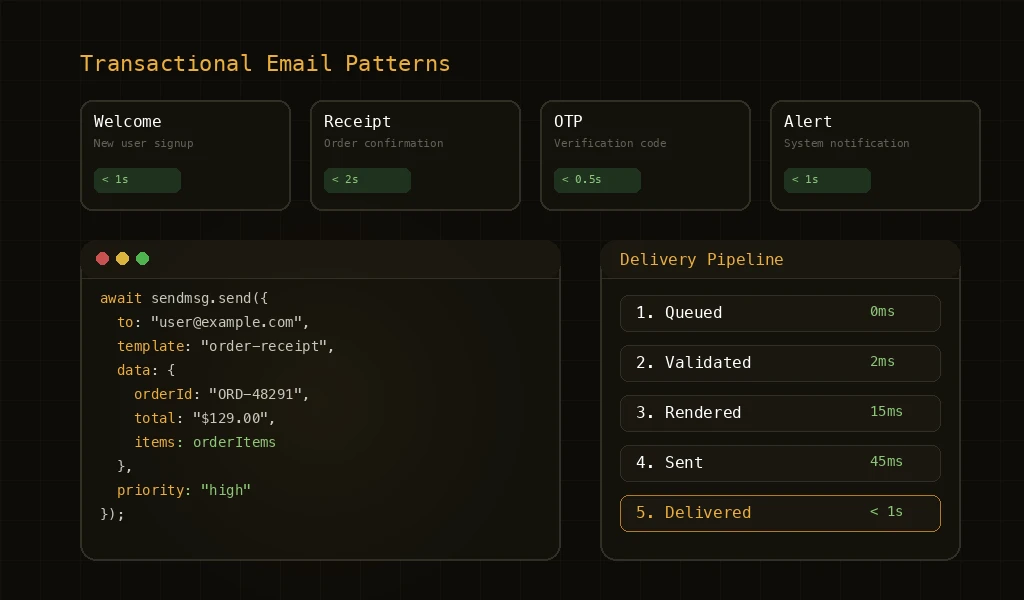
Design, content, and infrastructure tips to ensure your OTPs, receipts, and alerts land instantly—every time.
Transactional emails are the backbone of user experience in digital products. Unlike marketing emails, these mission-critical messages—password resets, order confirmations, shipping notifications—must be delivered instantly and reliably. A single failed transactional email can result in lost revenue, frustrated users, and damaged trust.
What Makes Transactional Emails Critical
Transactional emails are triggered by user actions and contain information users explicitly requested or need. They have legal implications, impact user experience directly, and often contain time-sensitive information. This makes reliability, speed, and clarity non-negotiable requirements.
Essential Components
- Clear Subject Lines: Use specific, action-oriented subjects that immediately convey the email's purpose and urgency
- Consistent Branding: Maintain brand identity while prioritizing clarity and readability over marketing aesthetics
- Critical Information First: Place the most important details above the fold—order numbers, amounts, deadlines, action buttons
- Plain Text Alternative: Always include a plain text version for maximum compatibility and accessibility
Infrastructure Best Practices
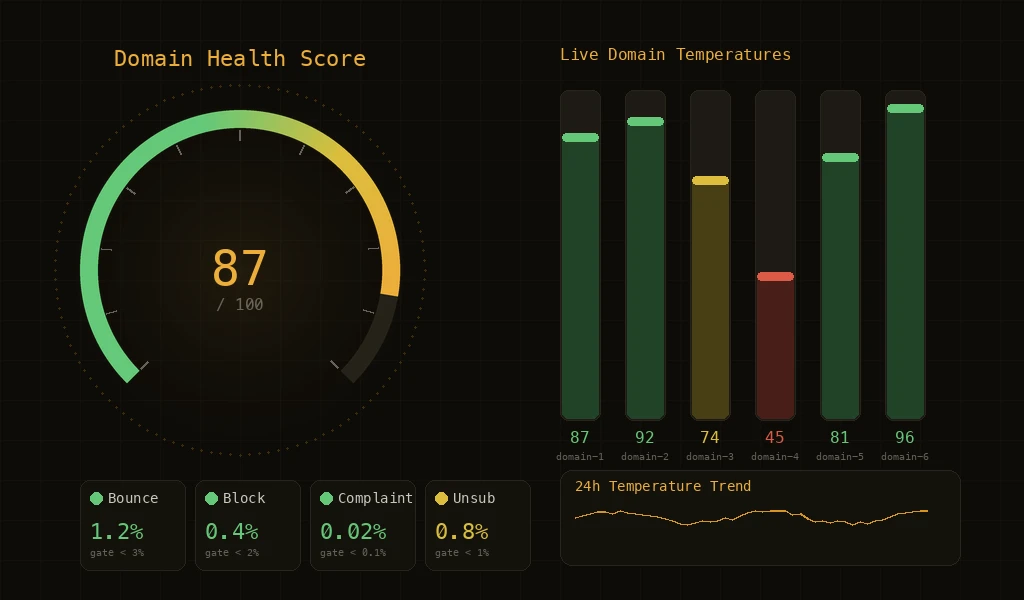
Use dedicated IP addresses for transactional emails to maintain pristine sender reputation. Implement retry logic with exponential backoff for failed deliveries. Monitor delivery rates, bounce rates, and response times continuously. Set up alerts for anomalies that could indicate infrastructure issues.
Implementation Guide
- Separate Transactional and Marketing: Use different sending domains and IP addresses to isolate transactional email reputation from marketing campaigns.
- Optimize for Speed: Minimize template complexity, use CDN-hosted images, and implement efficient queueing systems for instant delivery.
- Test Extensively: Test across email clients, devices, and scenarios. Verify fallbacks work when images are blocked or HTML isn't supported.
Key Features
Lightning Fast
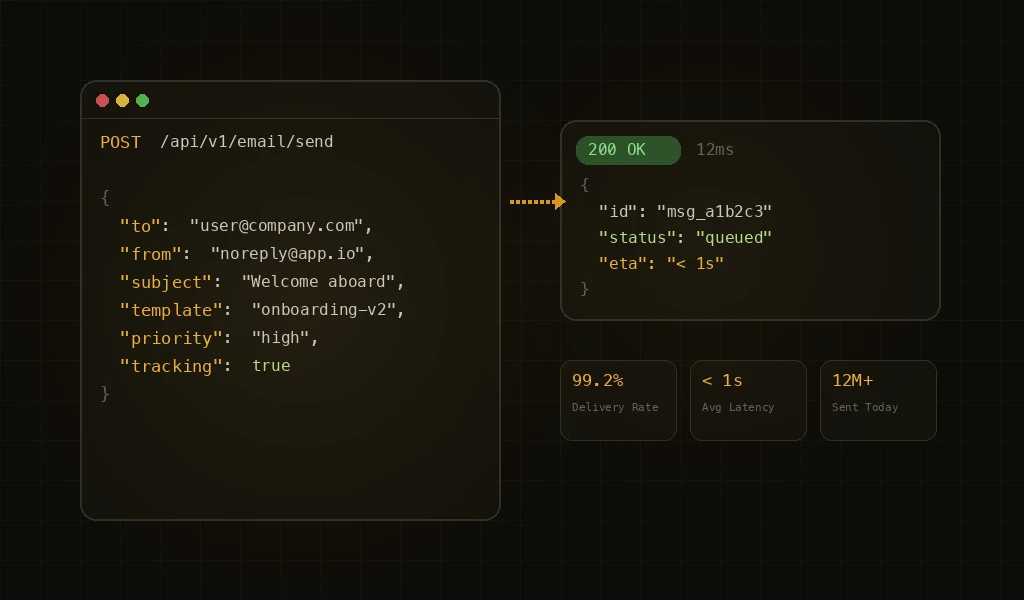
Deliver transactional emails in under 1 second with optimized infrastructure and global delivery networks.
High Availability
Infrastructure with automatic failover and redundancy ensures critical emails always arrive, even during partial outages.
Further Reading
For more tutorials and deep dives, head back to the blog.